Step 3 · Claim on Google
Google Business Profile for AI Search: Claim, Verify and Get Picked by Google AI
By Aaron Lim, founder of BB Media · Updated
Short answer
To get picked by Google's AI, claim and verify your Google Business Profile, fill in every field accurately (name, address or service areas, phone, hours, categories, services, photos), keep it current, and earn and reply to genuine reviews. Google says there are no additional requirements or special tricks for AI Overviews or AI Mode beyond normal good practice.
Google's own advice for appearing in AI answers is to use Business Profiles for local information, and its local ranking still rests on relevance, distance and prominence. A complete, verified profile is the single most useful local listing you can have in Canada.
Why Google Business Profile matters more with AI
Google rolled out AI Mode in English in Canada on August 21, 2025, and AI Overviews appear above many local searches. Google's guidance on AI features says local businesses should use Business Profiles (and Merchant Center feeds for products) so their information can appear in AI responses, and that there are no extra requirements to appear in AI Overviews or AI Mode.
Google Maps is changing too. Ask Maps, a Gemini powered way to ask Maps questions in plain language, launched in March 2026 in the U.S. and India and was reported to reach Canada in August 2026. It draws on Google's places data and reviews. The old questions and answers section on profiles was reported to be retired in late 2025 in favour of AI generated answers drawn from your profile, reviews, photos and website.
The message is simple: the facts and reviews on your profile now feed the answer, not just the map pin.
Step by step
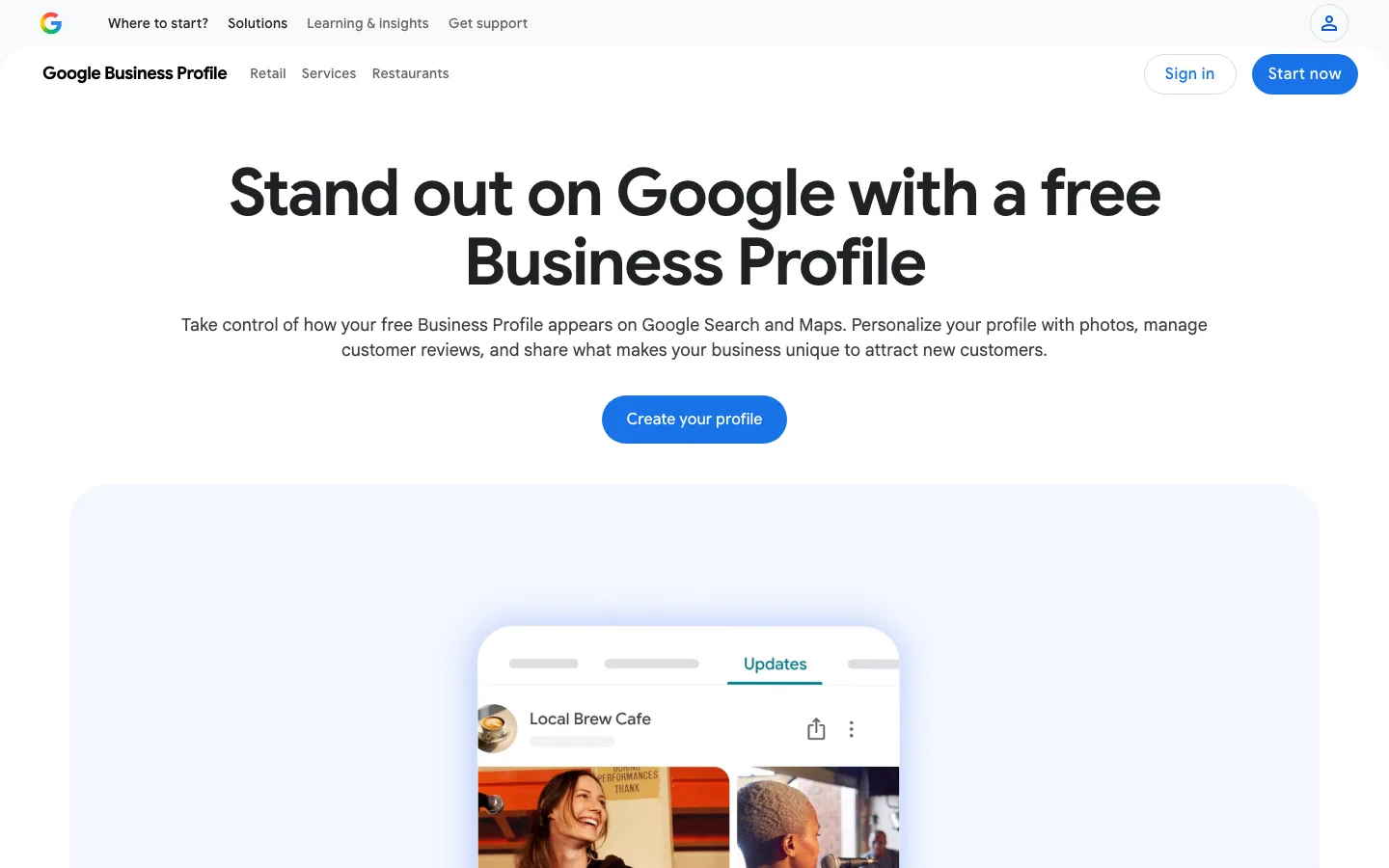
How to claim your profile
- Have your facts sheet ready.
- Sign in with a Google account the business controls (not a staff member's personal Gmail).
- Search for your business on Google Maps or at Google's Business Profile manager. If a profile exists, choose to claim or manage it. If not, add your business.
- Enter your name exactly as on your sign, your primary category, your address (or service areas, see below), phone and website.
- If someone else already manages the profile, use Google's request access flow. Google contacts the current owner, and you can appeal if there is no response.
- Complete verification with the method Google offers you.
- Once verified, add managers by email so your team or agency gets its own access.
Verification methods and what to expect
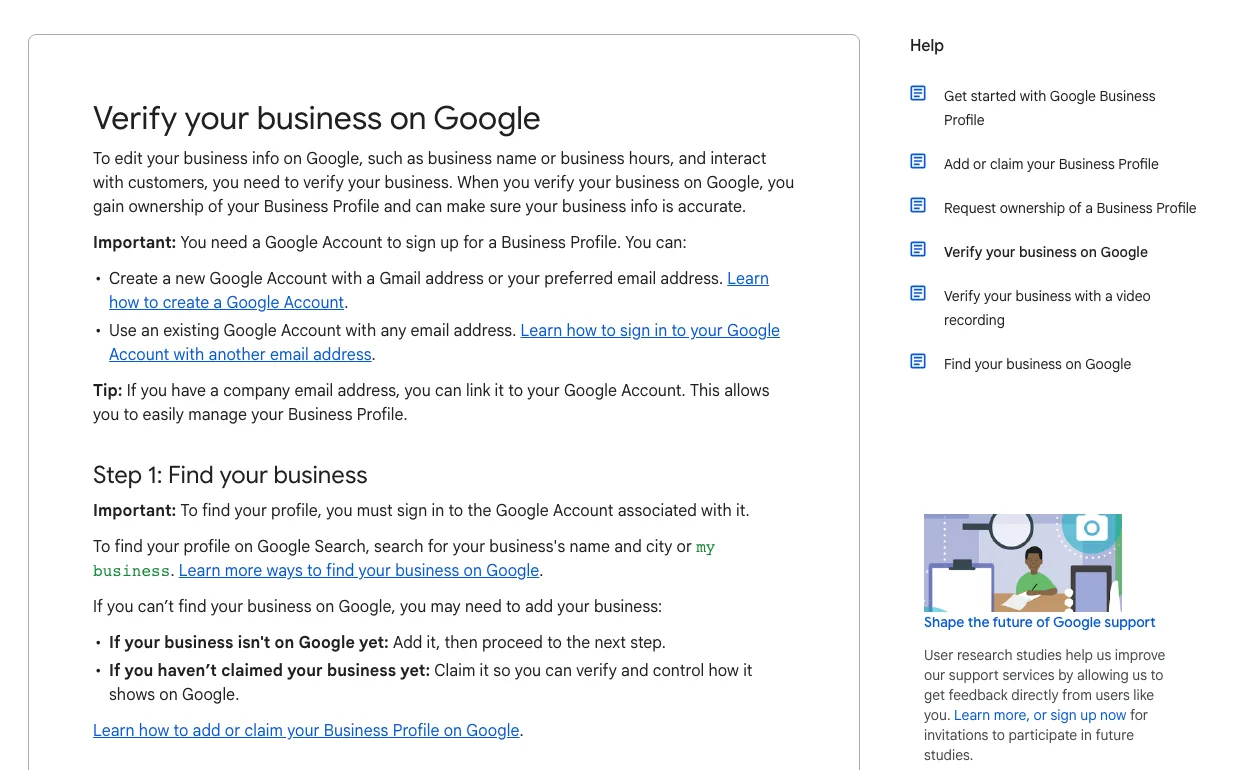
Google lists these methods in its verification help page. Google chooses which ones you see, based on your business type, public information, region and hours. You cannot pick.
- Phone or text: a code by call or SMS.
- Email: a code to an email address.
- Live video call with Google support, during business hours, where offered.
- Video recording: you record and upload a short video.
- Postcard: a code mailed to your address. Most arrive within 14 days and the code expires after 30 days. Not available everywhere.
- Instant verification: for some businesses whose website is already verified in Google Search Console, or for bulk verification of many locations.
Video recording is reported to be the most common method in 2026. The usual advice is one continuous, unedited clip on a phone that shows where you are (street signs or nearby landmarks, then your exterior and signage), proof the business operates there (equipment, stock, the counter, a branded vehicle) and proof you manage it (unlocking the door, opening the register or the back office). Plan the shot before you press record.
Google says reviews of verification can take up to five business days. If you are rejected, read the reason, fix what it points to (often signage or a mismatch between your name and what is visible) and try again rather than creating a second profile.
Service area businesses: rules that trip people up
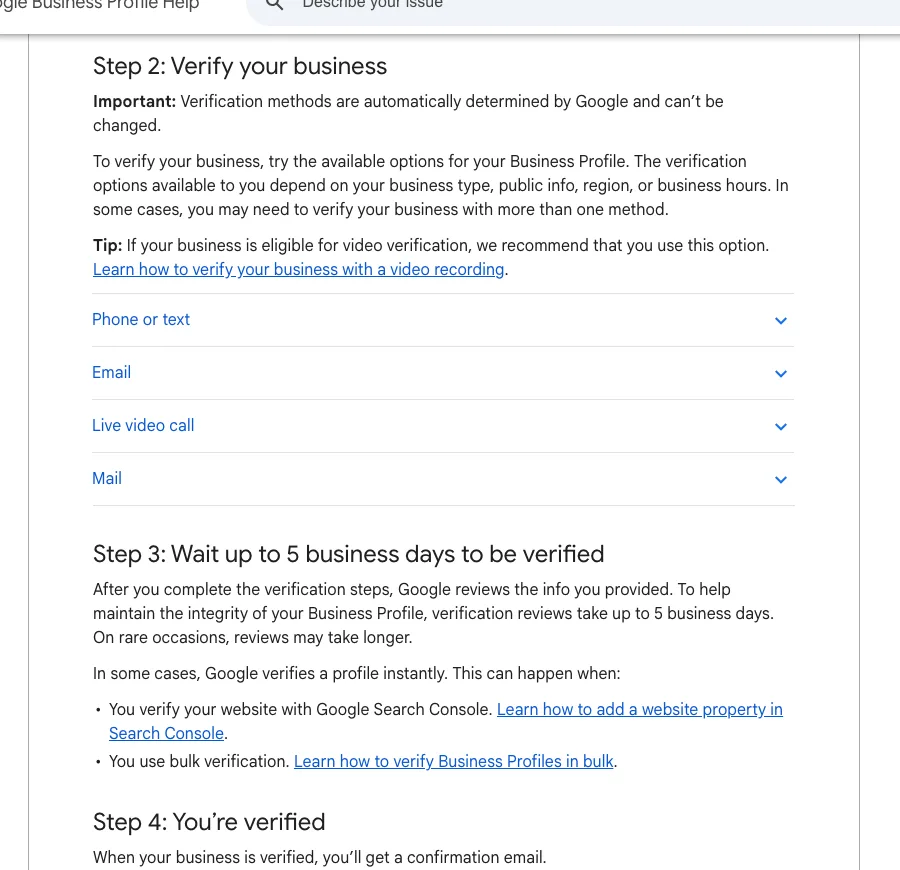
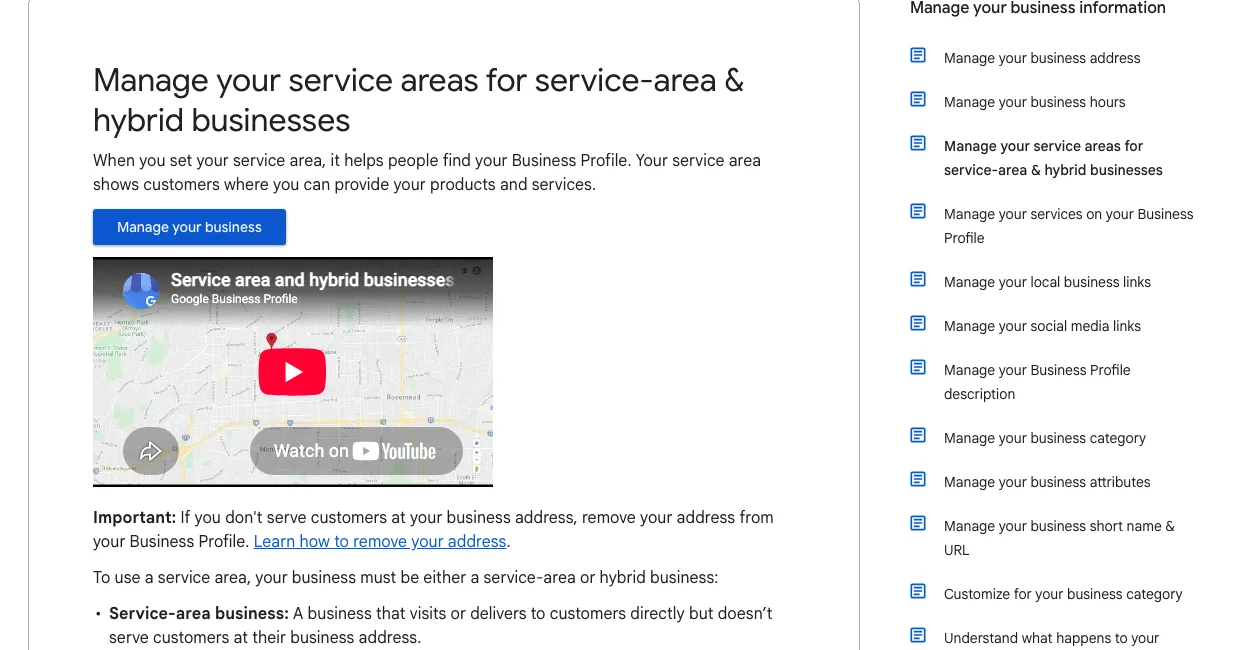
If you go to customers and do not serve them at your address (cleaners, contractors, mobile groomers, many consultants), Google wants you to hide your address and list service areas instead. Hybrid businesses that serve people at the location and also travel can show both.
- Up to 20 service areas, as cities, postal codes or regions. Radius is not supported.
- Your overall area should generally be within about two hours' driving of your base.
- No P.O. boxes, mailbox stores or virtual offices as an address.
- Businesses that sell age restricted products such as alcohol or cannabis need a storefront.
- One profile per real location. No extra profiles for each city you serve; that is what service areas and city pages on your website are for.
Name, categories and services
Your name must be your real world name, without taglines, keywords, phone numbers or URLs. Keyword stuffed names are a common reason for suspensions.
Choose the most specific primary category that completes “this business IS a”, then add only the secondary categories that are genuinely true. Under Services (or Products for retail), list what you sell in customer language, with short plain descriptions and prices where you can. These are words Google can match against what people ask, in search and in AI Mode.
Fill in attributes too: accessibility, payment options, languages, amenities and identity attributes that apply. They answer the follow up questions people put to AI, such as “wheelchair accessible” or “takes reservations”.
Photos, videos and posts
Google's own tips for local ranking include adding photos and videos. Upload your real photo set: exterior with signage, interior, team, products or dishes, menu and logo. Add new photos regularly, especially when something changes.
Posts (updates, offers and events) show customers that you are active. We have not seen Google say that posts affect AI answers, so treat them as useful for people, not as a ranking lever. A short post when you have real news, a seasonal offer or an event is enough.
Reviews and replies
Prominence, one of Google's three local ranking factors, includes reviews and ratings. Reviews also feed the summaries Google's AI writes about places. Ask every customer the same way, never offer incentives, never gate (asking only happy customers), and do not pressure people on site. Our preparation guide covers Google's rules, the Competition Bureau and CASL in detail.
Reply to every review. Thank people by name, mention what they bought or experienced, and handle complaints calmly with a way to follow up offline. In 2026, Google was reported to be blocking review requests for a period and showing warning banners on profiles caught breaking the rules, so it is not worth the risk.
Our advice: Create a short review link from your profile dashboard and put it on receipts, follow up messages and a small QR card at the counter. Same link, every customer.
No secret trick
AI Overviews and AI Mode: what actually helps
Google's documentation is clear: there are no additional requirements to appear in AI Overviews or AI Mode, no special schema and no AI text files needed. Local ranking rests on relevance (how well your profile matches the search), distance and prominence (how well known you are, including links, reviews and ratings). Google also says there is no way to request or pay for a better local ranking.
- Verify the profile and keep every field complete and current.
- Match your profile facts exactly to your website and other listings.
- Describe services in the words customers use, on the profile and on your website.
- Earn genuine reviews steadily and reply to them.
- Give your website clear service and location pages that answer real questions (website guide).
- Get mentioned by real local sources: news, BIAs, associations, event pages and community lists.
Be wary of anyone selling a guaranteed AI Overview placement. Google says that cannot be bought.
Measure it: the Search Console Generative AI report
Google Search Console now has a Generative AI performance report, rolled out to all sites on August 31, 2026. It shows impressions only (no clicks or positions), for AI Overviews and AI Mode combined, broken down by page, country, date and device. AI Mode data has also been counted in the main Performance report totals since June 2025.
Verify your website in Search Console if you have not, which can also make instant profile verification possible for some businesses. Then check the report monthly to see which of your pages Google's AI is showing. Our measuring guide puts it together with Google Analytics and a monthly prompt test.
Next step: Bing Places and Apple Business
Once Google is done, spend half an hour on the two listings most businesses forget. Read Bing Places and Apple Business, or go back to the complete guide.
Proof, not promises
We test it on our own business first
AI search on our own site
AI answers already send us real buyers. From August to November 2026, ChatGPT, Gemini and Perplexity sent bbmedia.ca 27 to 55 visits a month, and 9 real enquiries came to us through AI search.
Voted by the community
Voted #1 (Platinum) in Social Media Marketing and in Digital Marketing, Community Votes Markham 2026
Brands we have worked with (some of them)
- Meet Fresh
- Ten Second Noodle
- Hazukido
- QJD Peking Duck
- Gyumono
- 6 Cloud
- Noon Moment Bubble Tea
- Bento 886
- Sarang Kitchen
- Yue Spa
- Water Sense Spa
- Bliss Head Spa
- PlayPlex Game
- Paragon Badminton
- Vision Badminton
- Exact Sciences Canada
Launches we ran for clients were covered by CBC, CTV News Toronto, Toronto Life, blogTO, NOW Toronto, Streets of Toronto, Taste Toronto. See the work →
How BB Media runs your Google profile
We claim or recover your profile, handle verification (including planning and shooting the video), fix categories, services and attributes, upload real photos from our own shoots, set up a review routine, and reply to reviews in English and Chinese where needed. Because we also manage websites, your profile and your site always say the same thing.
BB Media is in Markham at 620 Alden Rd Unit 208 and serves businesses across the GTA and Canada. Find your area on our GTA AI search page. BB Media was voted #1 (Platinum) in Social Media Marketing and in Digital Marketing at Community Votes Markham 2026, and launches we ran for clients such as Meet Fresh, Ten Second Noodle, QJD Peking Duck, Hazukido and PlayPlex Game have been covered by CBC, CTV News Toronto, Toronto Life, blogTO and NOW Toronto. See the portfolio.
- Phone: +1 647-886-3125
- Email: sales@brandboosty.ca
- BB Media (BrandBoosty Inc.), 620 Alden Rd Unit 208, Markham, ON L3R 8B5, Canada. We work with brands across the GTA and Canada.
- Monday to Friday, 9:30 AM to 5:30 PM Eastern
FAQ
How do I verify my Google Business Profile in Canada?
Google offers one or more of phone or text, email, live video call, video recording, postcard or instant verification, depending on your business type, region and public information. You cannot choose; use the method shown. Reviews can take up to five business days.
Why did Google ask me for a video to verify?
Video recording is now a common method. Record one continuous, unedited clip that shows your location and signage, that the business operates there, and that you manage it, such as unlocking the door or opening the till.
Can I list my business in several cities?
Only with real locations. A service area business can list up to 20 service areas, generally within about two hours' drive of its base. Do not create profiles for cities where you have no premises.
Is there a special trick to get into Google AI Overviews?
No. Google says there are no additional requirements for AI Overviews or AI Mode. A verified, complete profile, consistent facts, genuine reviews and a website that clearly answers questions are what help.
Do Google posts help AI search?
Google has not said they affect AI answers. Posts are useful for customers who see your profile, so post when you have real news, offers or events, but do not expect them to move rankings.
Can I see if my business shows up in Google AI Overviews?
Partly. Search Console's Generative AI report shows impressions of your web pages in AI Overviews and AI Mode combined, but not clicks or positions. It does not report your Business Profile separately.